A big crosshair catalog
Ready-made styles with search and category filters, pro players' setups among them.



 Crosshair · Crosshair codes for VALO
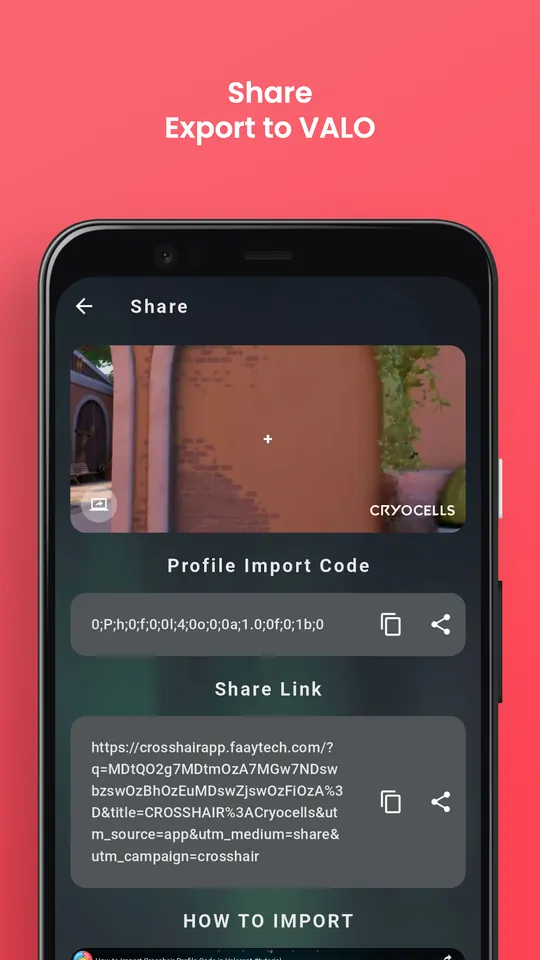
Hundreds of ready-made crosshairs — pro players' setups included. Preview any of them on your own background, fine-tune every line, and turn it into a real profile code you can import in VALO.


Try it — real designs from the app's catalog
Move and click — that's how it looks in game
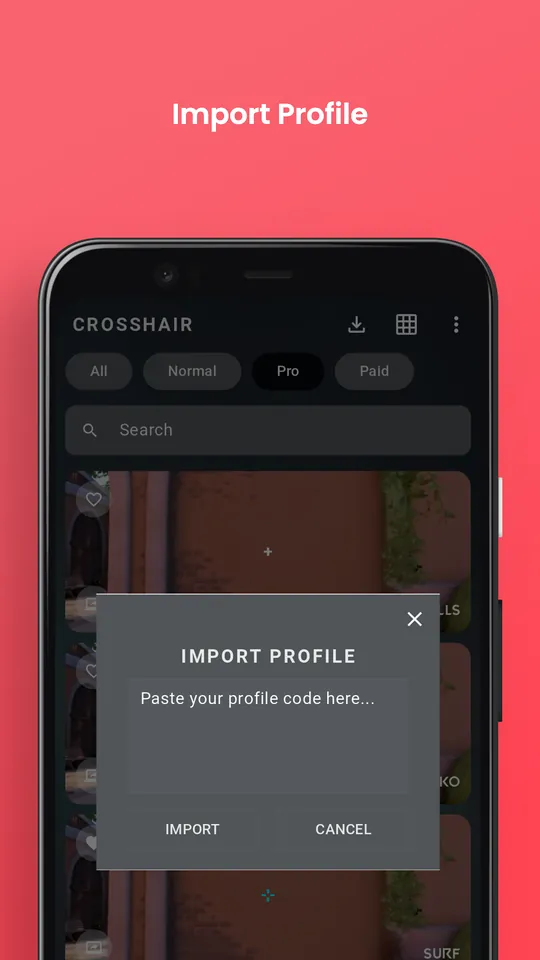
Paste the code in VALO: Settings → Crosshair → Import profile code.
Inside the app
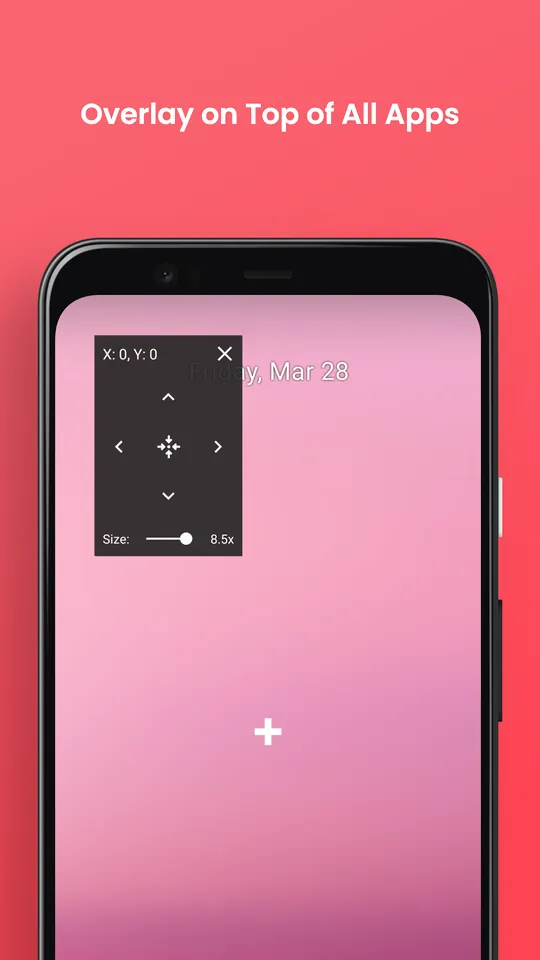
Features
Ready-made styles with search and category filters, pro players' setups among them.
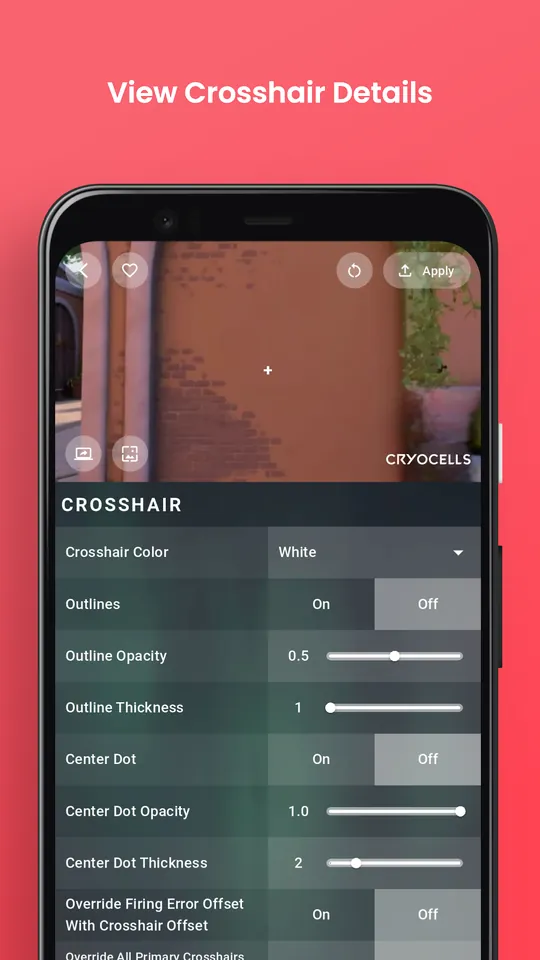
See any crosshair over an image you pick — so you know how it reads before you play.
Outline, center dot, inner and outer lines, colors, movement and firing error — every setting.
Generate a profile code for any design, then copy or share it to import in VALO.
Paste a code to explore someone else's setup, then save it to your own library.
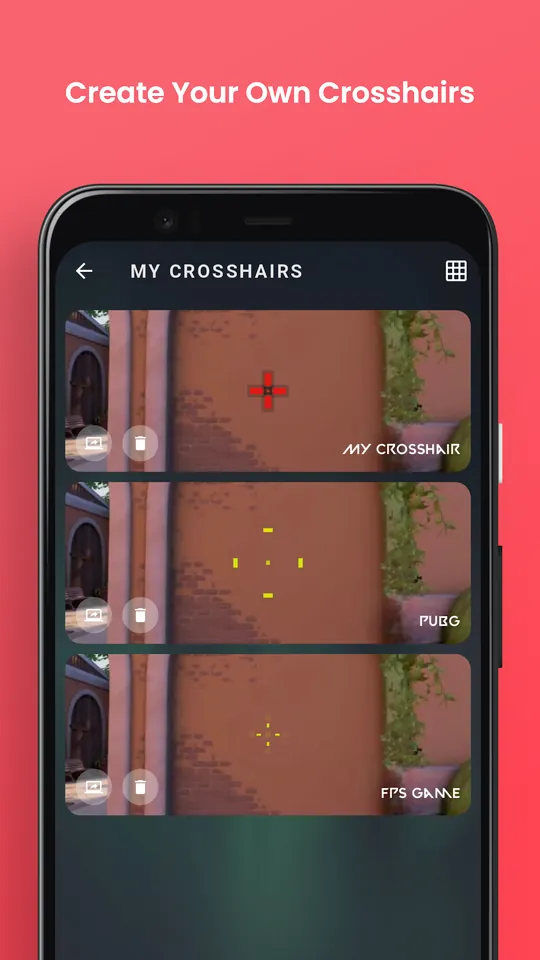
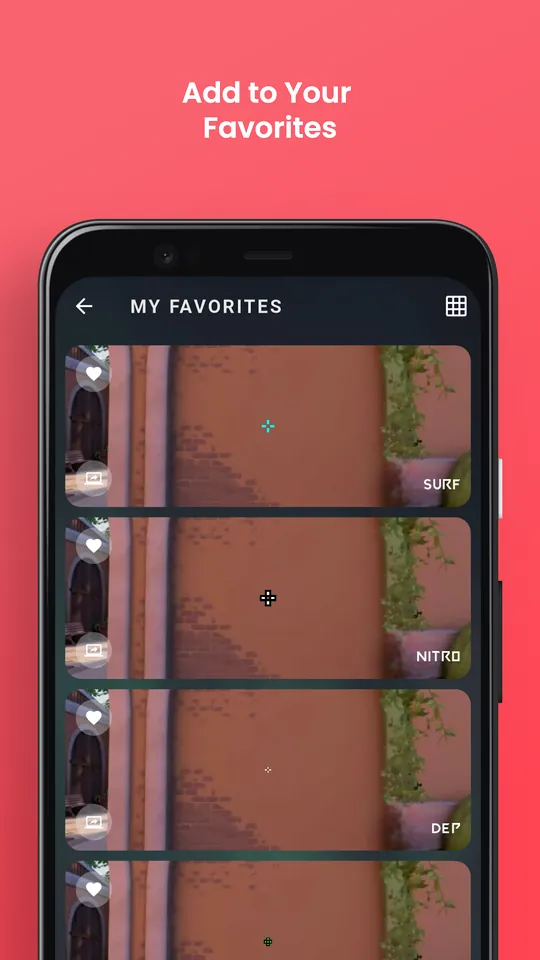
Save designs, browse as a list or grid, and share them by code or link.
How it works
Pick a pro crosshair or start from scratch in the editor.
Check it on your own background image.
In VALO: Settings → Crosshair → Import profile code.
FAQ
Copy the profile code, then in VALO open Settings → Crosshair and use the import profile code button. The crosshair appears in your profiles.
The catalog includes crosshairs attributed to well-known players and community designs, each stored as a real profile code.
Yes, Crosshair is free to download on iPhone and Android.
No. Crosshair is an unofficial fan-made app and is not affiliated with VALO or its publisher.

Free on the App Store and Google Play. Pro crosshairs and profile codes.
More from Faay Tech
 Magniko3D build ideas for magnetic tiles
 KalendoSee your balance on any future day
 ValigoPacking lists that fit the trip
 WordifyMake a word puzzle, send the link
 Story BalloonTyping game with eagles
 Snake 2.0The classic snake, rebuilt
 The Blue MazeA maze game in the dark
 Which ColorColor word focus game
 Countdown & ReminderDays until your next big date